Connecting Zoho Sign to Salesforce is not difficult. It is an OAuth flow: create an app in the Zoho API Console, paste a client ID and secret into Salesforce, authorise, done. Our documentation walks through every click.
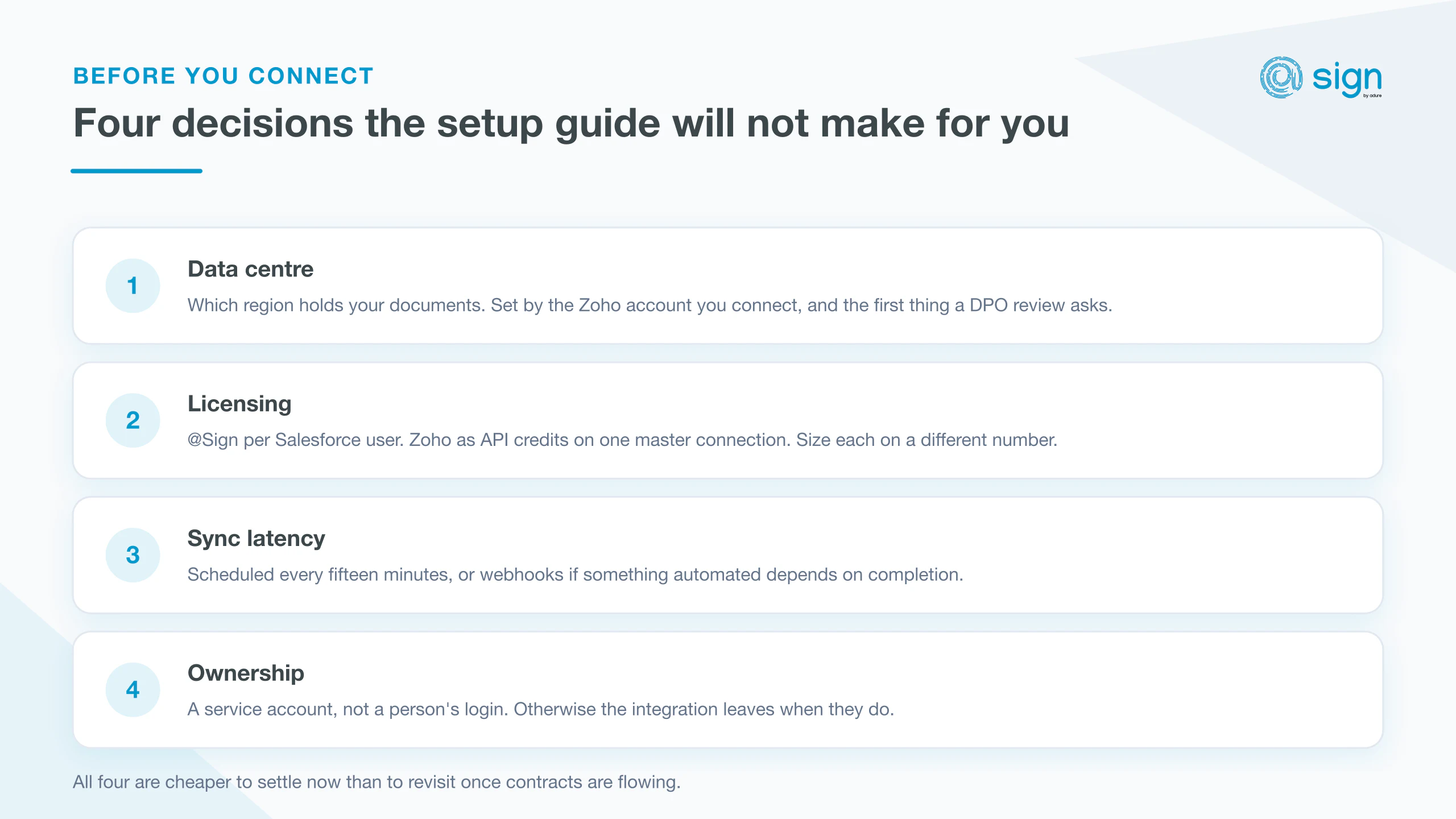
What the setup guide cannot tell you is which choices to make on the way through. There are four, and all of them are easier to get right at the start than to revisit once contracts are flowing.
1. Which data centre your documents live in
Zoho Sign runs in several regional data centres, and your account belongs to one of them. The quickest way to tell is your Zoho Sign URL: a .eu domain means Europe, .com means the US, and so on.
This matters twice over. Practically, EU accounts need no extra configuration because the EU remote site is pre-configured; every other region needs Remote Site Settings added by hand before the connection will work. Commercially, it is the first question a procurement or DPO review will ask, and the answer is set by which Zoho account you connect, not by anything on the Salesforce side.
2. How you will pay for signing
This is the decision with the largest long-run cost implications, and it is easy to miss because it is invisible during setup. There are two separate costs here, and conflating them is the usual mistake.
@Sign is licensed per Salesforce user, or as a single company licence covering the whole org. That is the side you size on headcount.
Zoho Sign is the other side, and it works differently. One master connection serves the entire Salesforce org, and signing is billed as Zoho API credits rather than per signer seat. Your signers therefore never need a Zoho licence of their own, however many of them there are. That is the side you size on annual document volume.
Model both before you commit. If sending agreements is something a handful of people do, per-user licensing is usually the cheaper shape. If it is spread widely across the business, the company licence tends to work out simpler than counting seats.
3. How quickly Salesforce needs to know
Out of the box, @Sign syncs on a schedule, roughly every fifteen minutes. For most teams that is invisible and entirely sufficient.
It stops being sufficient the moment something automated depends on completion. If signing a contract should immediately provision an account, trigger an invoice or move a stage, a fifteen-minute gap becomes a support question. Webhooks close that gap by having Zoho Sign notify Salesforce as documents are viewed, signed or rejected. They need Salesforce Sites configured, so decide up front whether you need them rather than retrofitting later.
4. Whose account owns the connection
The OAuth flow authorises against a specific Zoho account, and the org-wide connection inherits whatever that account can do. Connect it to an individual's login and you have created a dependency on that person: when they leave, so does your signing integration.
Use a service or shared administrative account. The same reasoning applies to the OAuth app you create in the Zoho API Console. It should belong to the organisation, not to whoever happened to run the setup.
The short version
Confirm your data centre before you start. Size @Sign on the people who will send agreements, and Zoho credits on document volume. Decide whether anything automated depends on signing completion. And connect through an account that outlives the person who set it up.
With those settled, the setup itself is a short job. The documentation covers the connection step by step, including Remote Site Settings for non-EU regions and where to find your callback URL.